A pool service report should let the customer see what was measured, what work was completed and what still needs attention. Record those three things separately. A polished summary is useful only when it matches the underlying visit record.
Build the report around the actual visit
| Report field | What to include | Quality check |
|---|---|---|
| Visit identity | Service date, technician, customer or internal property reference | Match the right visit and pool. |
| Water readings | Observation time, method, measured values and units | Do not fill untested values with zero. |
| Completed work | Specific tasks and completion status | Keep skipped and failed tasks visible. |
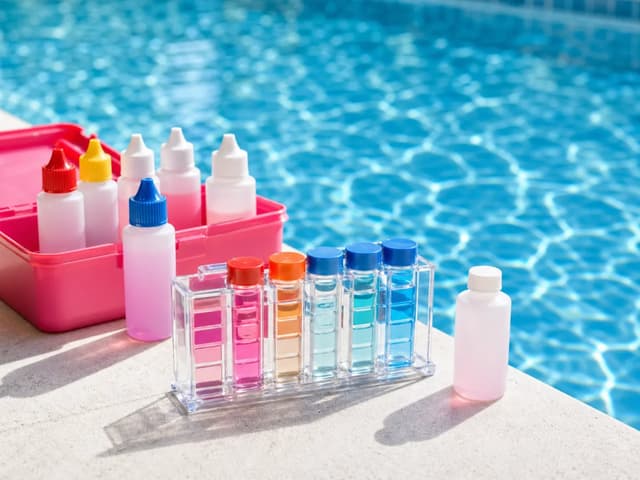
| Chemical additions | Exact product, concentration, amount, unit and time | Do not describe a recommendation as an addition. |
| Photos | Relevant photo, time and factual caption | Avoid addresses, faces and access codes when unnecessary. |
| Follow-up | Open issue, next action, owner and expected contact | Distinguish an approval request from authorized work. |
| Delivery | Recipient and sending/delivery state | A generated report is not proof the customer received it. |
Keep raw readings associated with their observation times. A pre-treatment result and a follow-up result are separate events; replacing the first number with the second removes useful history. If a kit cannot resolve a result, write out of range or not measured instead of manufacturing precision.
Write a customer summary that can be checked
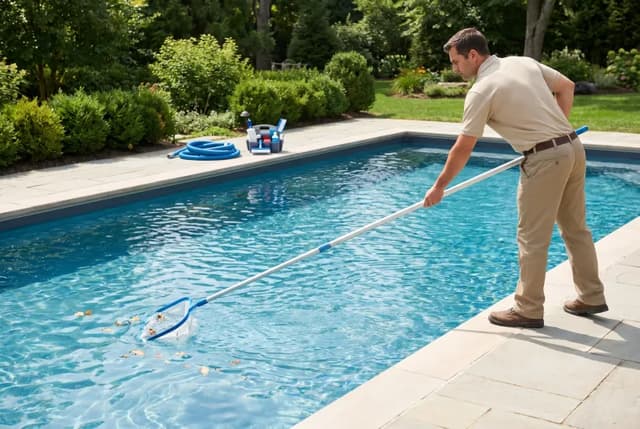
Use a short sequence: work completed, observation, next action. For an illustrative visit, a summary might say: Surface debris was removed and the scheduled water test was recorded. A change in filter pressure was noted at the recorded pump setting. Filter service is awaiting your approval; please review the separate proposal. This is a writing example, not a record of a real customer visit.
Each sentence should have support in the record. If no equipment diagnosis was performed, describe the observation instead of naming a failed part. If a task was prevented by access or weather, explain that limitation without marking the whole visit complete. If no follow-up is required, say that only after reviewing the actual findings.
Use controlled task states instead of a single check mark
| State | Meaning | Example of supporting detail |
|---|---|---|
| Completed | The recorded task was performed | Surface debris removed; photo or note if relevant. |
| Not performed | The task was outside scope or intentionally deferred | Filter disassembly excluded from routine visit. |
| Unable to complete | Something prevented the agreed task | Access unavailable; office notified. |
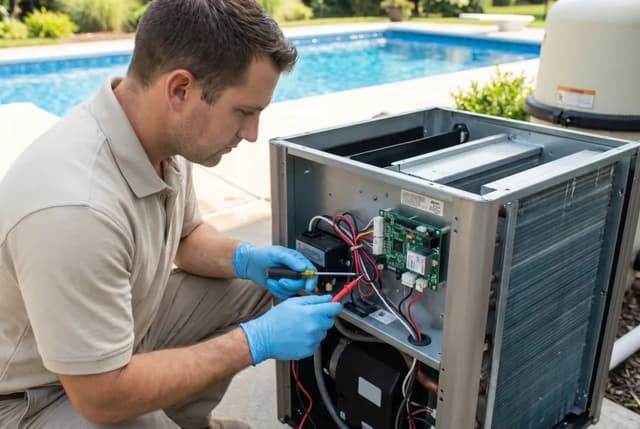
| Follow-up required | A separate next action remains open | Written repair proposal requested; no repair approved. |
A useful report can contain several states at once. Completed brushing does not mean an unresolved heater issue is fixed. Keep the reason beside the exception so the office does not have to reconstruct it from a text message later.
Review chemistry and treatment language carefully
A chemical addition record is documentation of work already done, not a reusable dosing instruction. Include the product and amount actually used, and retain the applicable label instructions. CDC’s chemical-safety guidance stresses communication and documentation among chemical handlers. It does not make a templated report a safety certification.
Avoid statements such as guaranteed safe to swim or perfectly balanced unless the statement has a specific, defensible meaning and appropriate evidence. Explain any product re-entry instruction that applies using the actual label, without inventing a universal waiting time. Keep uncertainty explicit when test limitations or unresolved problems remain.
Where this fits in Poolside Pro
Poolside Pro’s report detail supports visit readings, additions, photos, report status, approval timestamps, email state and follow-ups. Review the actual record before sharing it. The presence of a report in a list does not establish successful email delivery, and a sending timestamp does not establish that the customer read it.
The product walkthrough explains the related customer, route and report workflow. This template can also be used independently in a spreadsheet. It is not a supported CSV import specification for Poolside Pro; copying it into your records does not automatically create a report.
Frequently asked questions
Is this a pool service invoice?
No. It records the visit. An invoice separately states the amount owed, line items, tax and payment terms.
Should I include before-and-after test results?
Keep each actual result with its time and method when both were measured. Never invent a follow-up result to complete the template.
Can I send a report with an unresolved issue?
Yes, if it clearly describes the issue, completed work and next action. Do not imply that a pending repair has been completed.
Does the template upload into Poolside Pro?
No. It is a standalone documentation template, not an application import format.
Method and product verification
The template and examples are original Poolside editorial work. Product statements were checked against the report detail and rendering code on October 23, 2026; no live customer report, delivery test or customer outcome is claimed.
Poolside creates practical worksheets and explanations for pool owners. These resources were prepared with AI assistance using the references listed in each article. Examples are illustrative; no field testing or independent technician review is claimed.
More Poolside guides →